
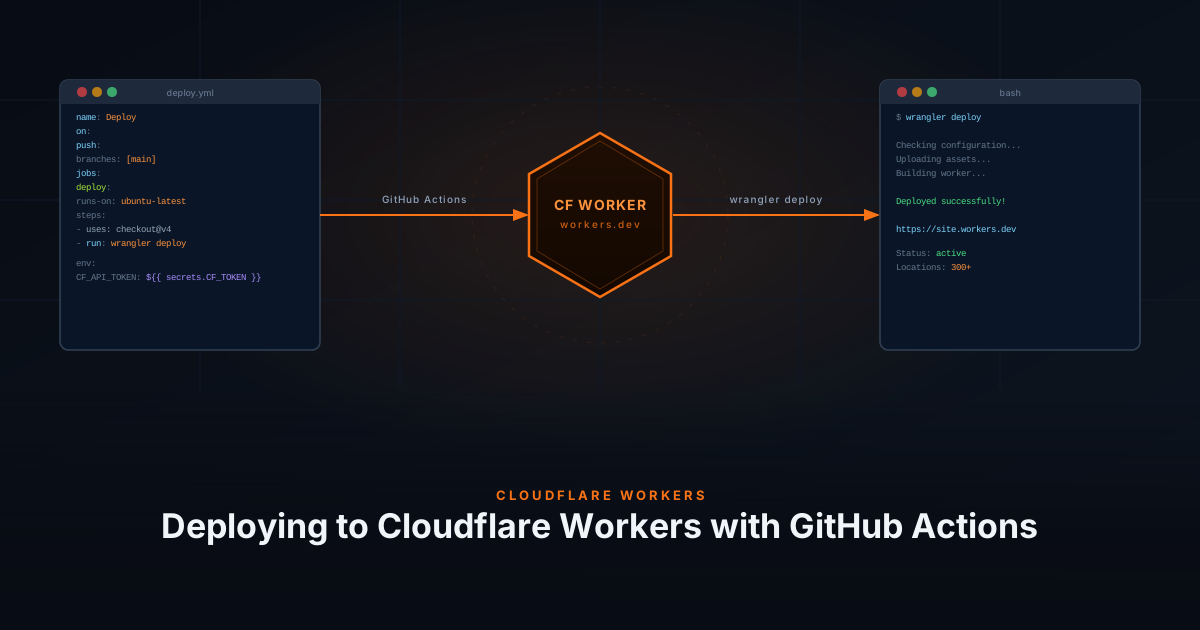
Instead of relying on Cloudflare’s built-in Git integration, you can use GitHub Actions with Wrangler to deploy your site to Cloudflare Workers. This gives you full control over the build pipeline, allowing you to add steps like link checking or testing before deployment.
Prerequisites
- A GitHub repository with a Wrangler project (
wrangler.tomlorwrangler.jsonc) — see Deploying a Hugo Site with Cloudflare Workers - A Cloudflare account with Workers enabled
Create Cloudflare API Token
GitHub Actions needs an API token to authenticate with Cloudflare.
- Log in to the Cloudflare Dashboard
- Go to My Profile → API Tokens
- Click Create Token
- Use the Edit Cloudflare Workers template
- Click Continue to summary and then Create Token
- Copy the token
You will also need your Account ID, found on the Workers & Pages overview page in the Cloudflare Dashboard.
The API token grants access to your Cloudflare account. Never commit it directly to your repository.
GitHub Secrets
Store both values as encrypted GitHub Secrets:
- Go to your repository on GitHub
- Navigate to Settings → Secrets and variables → Actions
- Click New repository secret and add the following:
| Name | Value |
|---|---|
CLOUDFLARE_API_TOKEN | Your API token |
CLOUDFLARE_ACCOUNT_ID | Your account ID |
Create the GitHub Action
Create a workflow file at .github/workflows/deploy.yaml:
name: Deploy to Cloudflare Workers

on:
  push:
    branches:
      - main
      - master
  workflow_dispatch:

permissions:
  contents: read
  deployments: write

jobs:
  deploy:
    name: Deploy to Cloudflare Workers
    runs-on: ubuntu-latest
    timeout-minutes: 60
    steps:
      - uses: actions/checkout@v4

      - name: Install Wrangler v4
        run: npm install --save-dev wrangler@4

      - name: Deploy to Cloudflare Workers
        uses: cloudflare/wrangler-action@v3
        with:
          apiToken: ${{ secrets.CLOUDFLARE_API_TOKEN }}
          accountId: ${{ secrets.CLOUDFLARE_ACCOUNT_ID }}
command: deployThis workflow:
- Triggers on every push to
mainormaster, and can be run manually via workflow_dispatch - Installs Wrangler v4 and deploys to Cloudflare Workers using the official action
Push the workflow file to your repository and GitHub Actions will handle all future deployments automatically.