
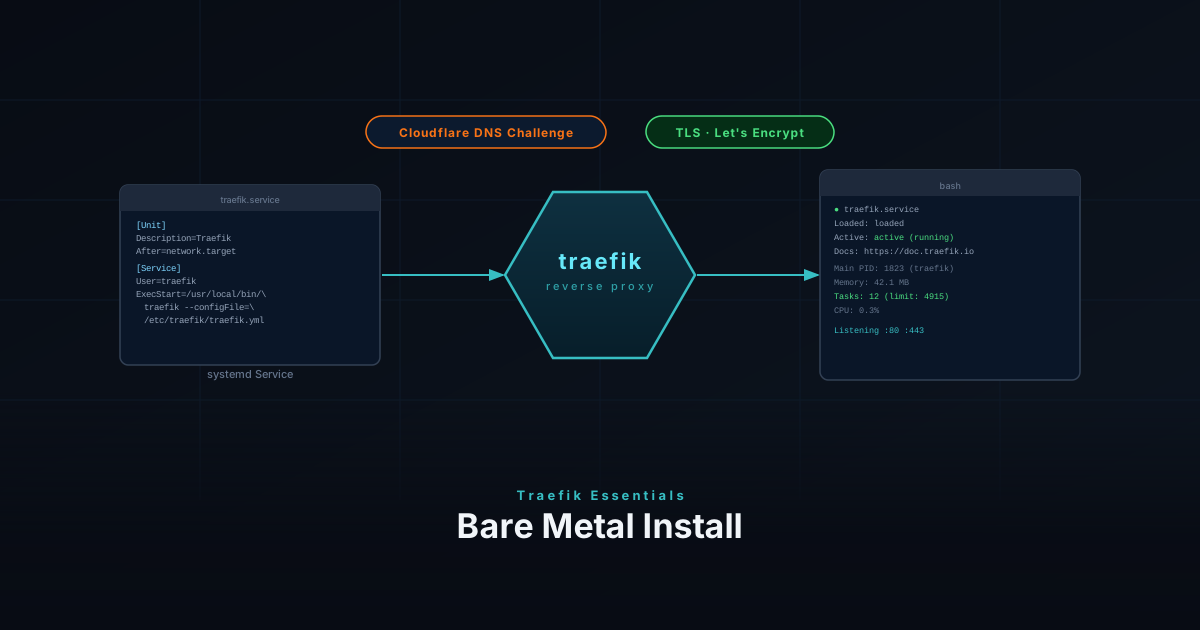
The Docker-based setup is great for container-heavy homelabs, but sometimes you want Traefik running directly on the host — no Docker dependency, full control over the process, and a clean systemd service. This guide covers a bare metal Traefik install from binary to running service.
Download the Binary
Grab the latest release from GitHub. The ARCH variable auto-detects your architecture so the same commands work on both amd64 and arm64 machines.
TRAEFIK_VERSION="3.3.4"
ARCH=$(dpkg --print-architecture 2>/dev/null || uname -m | sed 's/x86_64/amd64/;s/aarch64/arm64/')
wget https://github.com/traefik/traefik/releases/download/v${TRAEFIK_VERSION}/traefik_v${TRAEFIK_VERSION}_linux_${ARCH}.tar.gz
tar -xzf traefik_v${TRAEFIK_VERSION}_linux_${ARCH}.tar.gz
sudo mv traefik /usr/local/bin/
sudo chmod +x /usr/local/bin/traefikVerify the install:
traefik versionCreate Directory Structure
Set up the directories Traefik needs for config, dynamic routing rules, logs, and certificate storage. The acme.json file is where Let’s Encrypt certificates are stored — it must be owner-readable only or Traefik will refuse to use it.
sudo mkdir -p /etc/traefik/conf.d
sudo mkdir -p /var/log/traefik
sudo touch /etc/traefik/acme.json
sudo chmod 600 /etc/traefik/acme.jsonCreate a Dedicated User
Running Traefik as a dedicated non-root user limits what a compromised process can do. The -r flag creates a system account with no home directory, and -s /sbin/nologin prevents interactive login.
The setcap command grants the binary permission to bind to privileged ports (80 and 443) without needing root.
sudo useradd -r -s /sbin/nologin -M traefik
sudo chown -R traefik:traefik /etc/traefik
sudo chown -R traefik:traefik /var/log/traefikCloudflare API Token
Traefik uses the DNS-01 ACME challenge to obtain certificates. This works by creating a temporary DNS TXT record to prove domain ownership, which means it works even for services not exposed to the internet. This guide uses Cloudflare as the DNS provider — see the lego docs for other providers.
Create a scoped API token in the Cloudflare dashboard with Zone / Zone → Read and Zone / DNS → Edit permissions.
Store the token in an environment file that the systemd service will load:
CF_DNS_API_TOKEN=your_cloudflare_api_token- Lock down the file so only the
traefikuser can read it:
sudo chmod 600 /etc/traefik/traefik.env
sudo chown traefik:traefik /etc/traefik/traefik.envMain Config
This is the static config — it sets up entry points, the certificate resolver, and tells Traefik to watch /etc/traefik/conf.d/ for dynamic service configs. Replace the email field with your own address for Let’s Encrypt notifications.
global:
  checkNewVersion: false
  sendAnonymousUsage: false

api:
  dashboard: true
  insecure: true

entryPoints:
  web:
    address: ":80"
    http:
      redirections:
        entryPoint:
          to: websecure
          scheme: https
  websecure:
    address: ":443"

certificatesResolvers:
  letsencrypt:
    acme:
      email: you@example.com
      storage: /etc/traefik/acme.json
      dnsChallenge:
        provider: cloudflare
        resolvers:
          - "1.1.1.1:53"
          - "8.8.8.8:53"

providers:
  file:
    directory: /etc/traefik/conf.d
    watch: true

log:
  level: INFO
  filePath: /var/log/traefik/traefik.log

accessLog:
filePath: /var/log/traefik/access.logsystemd Service
The service unit loads the Cloudflare token from the env file, runs as the traefik user, and restarts automatically on failure. AmbientCapabilities and CapabilityBoundingSet grant the process permission to bind to privileged ports (80 and 443) without root — and because these are systemd directives, they apply automatically on every start, including after a binary update. NoNewPrivileges and PrivateTmp add extra sandboxing on top of the non-root user.
[Unit]
Description=Traefik reverse proxy
After=network-online.target
Wants=network-online.target

[Service]
Type=simple
User=traefik
Group=traefik
EnvironmentFile=/etc/traefik/traefik.env
ExecStart=/usr/local/bin/traefik --configFile=/etc/traefik/traefik.yml
Restart=on-failure
RestartSec=5s
AmbientCapabilities=CAP_NET_BIND_SERVICE
CapabilityBoundingSet=CAP_NET_BIND_SERVICE
NoNewPrivileges=true
PrivateTmp=true

[Install]
WantedBy=multi-user.targetReload systemd, enable the service to start on boot, and start it now:
sudo systemctl daemon-reload
sudo systemctl enable --now traefik
sudo systemctl status traefikAccess the dashboard at http://<server-ip>:8080.
Add a Service
Each service gets its own file in /etc/traefik/conf.d/. Because watch: true is set in the main config, Traefik picks up new files and changes instantly — no restart needed.
The router matches incoming requests by hostname and routes them to the service’s local port. Traefik will automatically request a certificate from Let’s Encrypt on first access.
http:
  routers:
    myapp:
      rule: "Host(`myapp.example.com`)"
      entryPoints:
        - websecure
      service: myapp
      tls:
        certResolver: letsencrypt

  services:
    myapp:
      loadBalancer:
        servers:
- url: "http://127.0.0.1:PORT"Updating Traefik
Stop the service, swap the binary, re-apply the setcap capability, and start again. The config and certificates in /etc/traefik/ are untouched.
TRAEFIK_VERSION="3.x.x"
ARCH=$(dpkg --print-architecture 2>/dev/null || uname -m | sed 's/x86_64/amd64/;s/aarch64/arm64/')
wget https://github.com/traefik/traefik/releases/download/v${TRAEFIK_VERSION}/traefik_v${TRAEFIK_VERSION}_linux_${ARCH}.tar.gz
tar -xzf traefik_v${TRAEFIK_VERSION}_linux_${ARCH}.tar.gz

sudo systemctl stop traefik
sudo mv traefik /usr/local/bin/traefik
sudo chmod +x /usr/local/bin/traefik
sudo systemctl start traefikVerify after update:
traefik version
sudo systemctl status traefikAlways check the Traefik changelog before upgrading for breaking config changes.