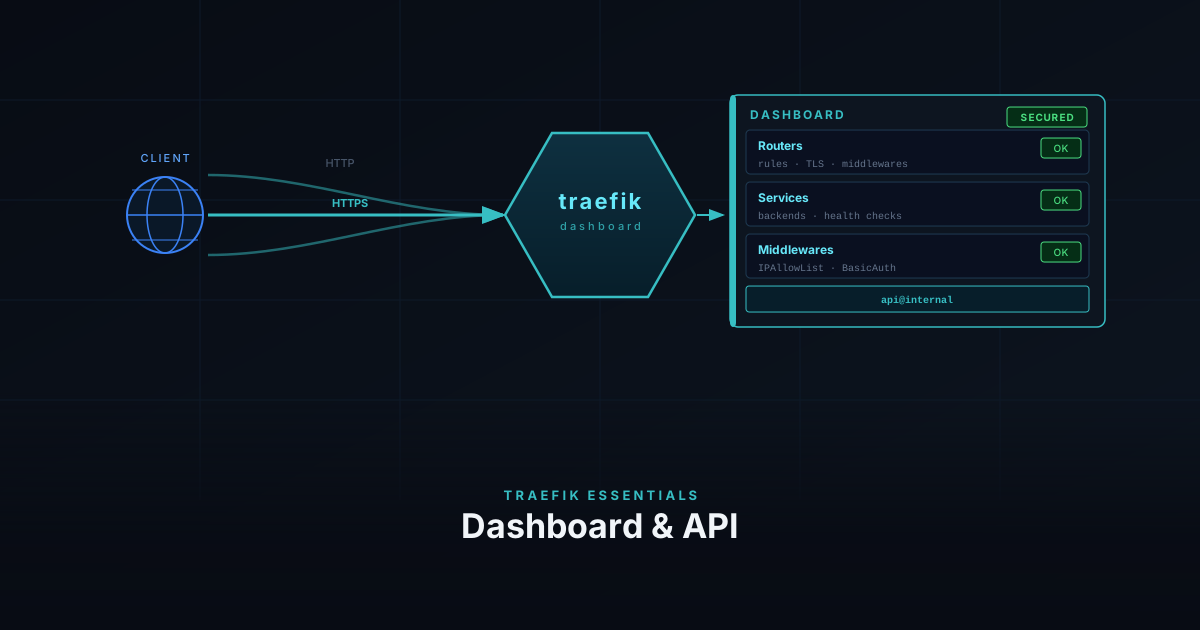
Traefik Essentials: Dashboard & API
Expose the Traefik dashboard over HTTPS, lock it down with your existing middlewares, and query the API from the terminal.
3 min
traefik

A practical series covering Traefik as a reverse proxy for self-hosted services. Starts with the initial Docker-based setup and works through bare metal deployment, configuring middlewares for auth and redirects, securing the dashboard, and wiring up monitoring with Prometheus and Loki. Each post builds on the previous one.
Expose the Traefik dashboard over HTTPS, lock it down with your existing middlewares, and query the API from the terminal.
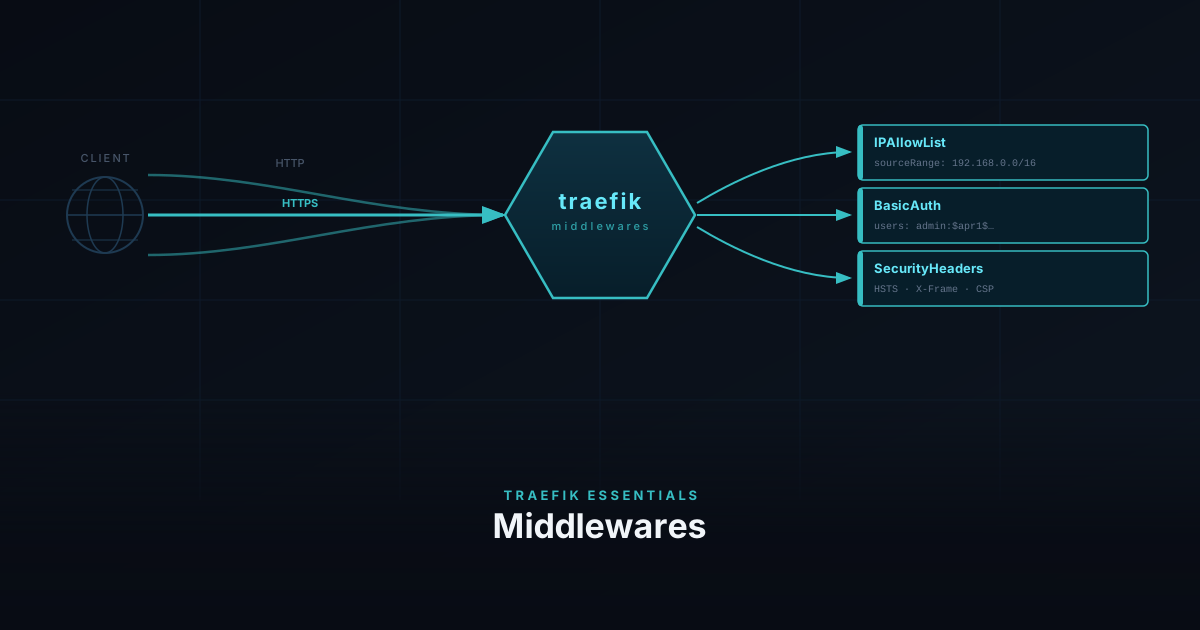
Protect your homelab services with IPAllowList, BasicAuth, and security headers — without touching the app.
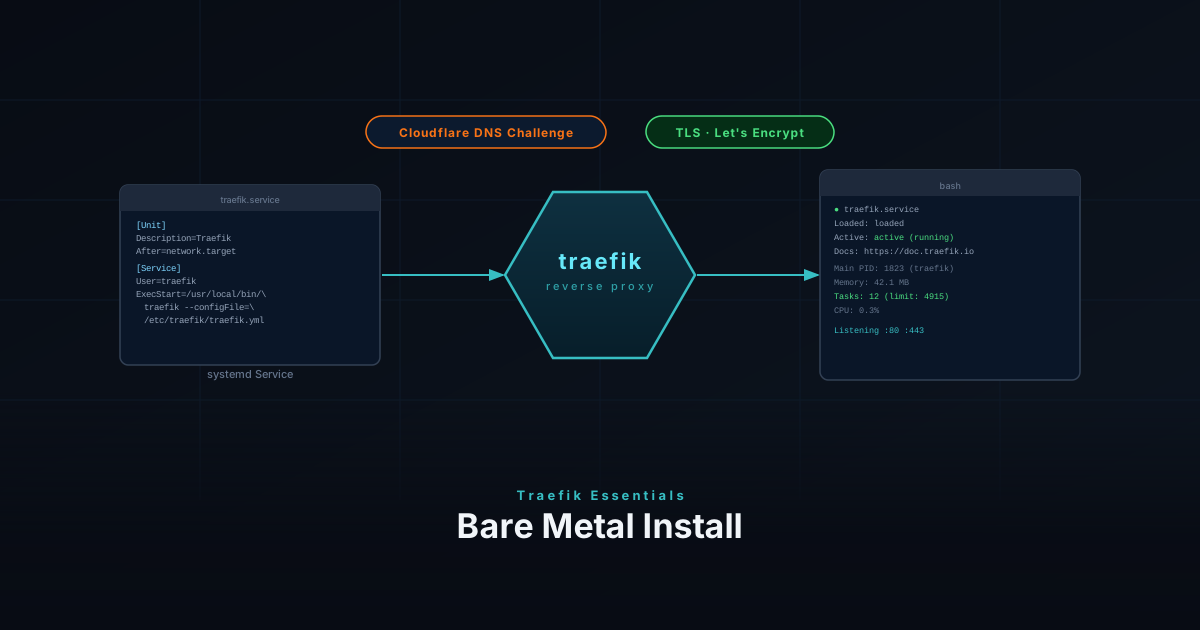
Install Traefik as a reverse proxy on bare metal Linux — covering binary install, systemd service, Cloudflare DNS challenge, and dynamic config.
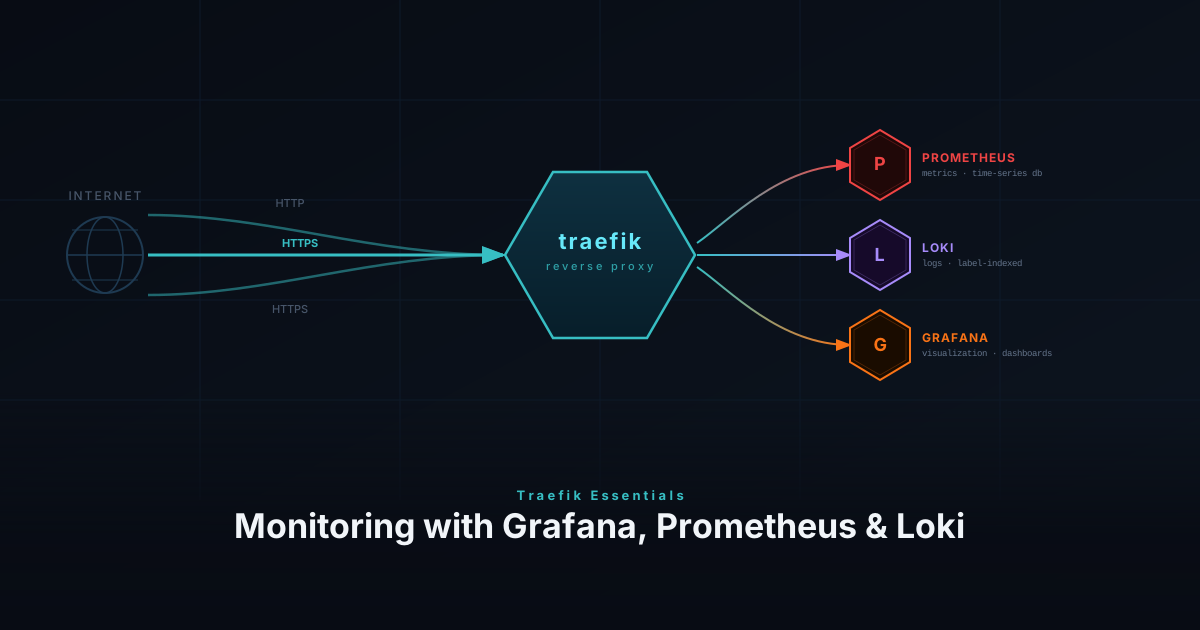
Monitor your Traefik reverse proxy with Prometheus metrics, Loki access logs, and Grafana dashboards for full request-level observability.
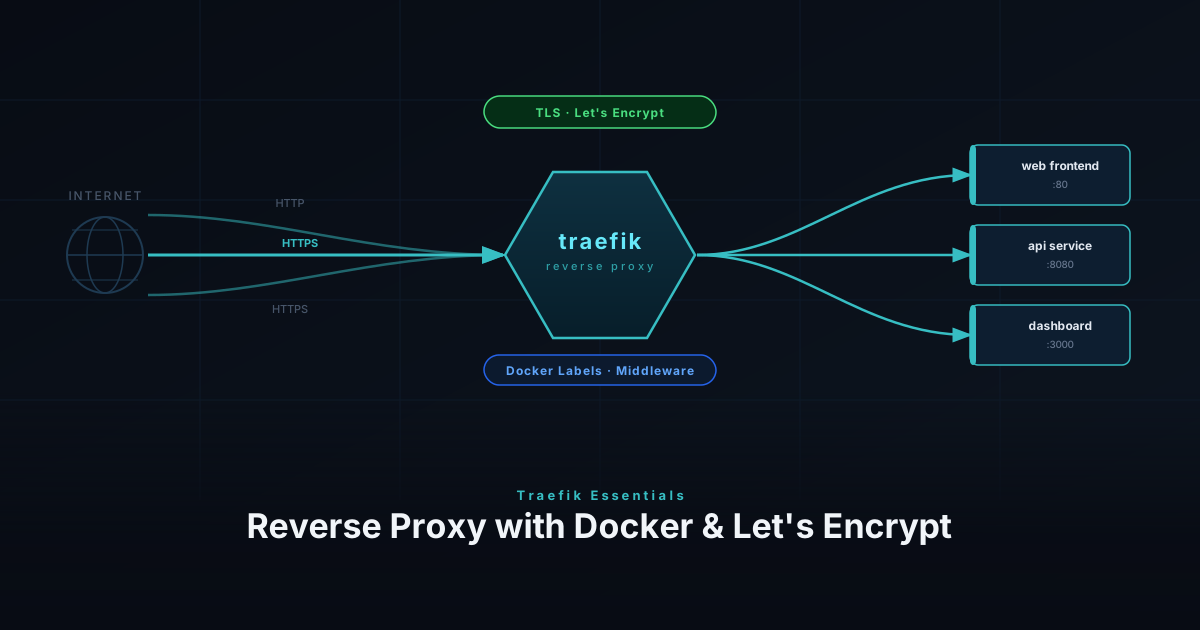
Set up Traefik as a reverse proxy with Docker and Let's Encrypt — covering installation, routing, TLS, and middleware for your homelab.